
Find your way around Power BI
Desktop, Service and Mobile, and which one you are actually meant to be in. Connect to Excel, SQL and web sources and publish your first report.
Free learning initiative
Power BI is how most companies actually see their numbers. Jobaaj Learnings is making this crash course free for every student — Power Query, data modelling, DAX measures and dashboards people rely on, at whatever pace suits you.
No payment step. Open the first lesson straight away.
Our learners now work at





What you'll learn
Most Power BI tutorials stop at making a chart look nice. The harder part is the model underneath it and the measure that makes the number correct. This crash course covers both.
Desktop, Service and Mobile, and which one you are actually meant to be in. Connect to Excel, SQL and web sources and publish your first report.
Power Query end to end — nulls, duplicates, broken types, and merging or appending queries from several files without hand-editing anything.
Relationships, star schema, and the difference between a calculated column and a measure — the thing that quietly breaks most beginner reports.
From SUM and DIVIDE up to CALCULATE, FILTER and time intelligence, so month-on-month and year-on-year comparisons stop being guesswork.
Slicers, drill-through, bookmarks and navigation — laying out pages so someone can find an answer without being walked through it.
Row-level security, Performance Analyzer, model optimisation and workspace governance — what stands between a demo file and something a team depends on.
Why it's free
We built this to be learned from, not sold.
A lot of people who need a skill like this are exactly the people least able to pay for it — students between semesters, freshers before a first job, anyone rebuilding after a break. So we took the fee off.
Every lesson is open from the start. There's no locked second half and no upgrade waiting three modules in.
This isn't a promotional price or a trial. There's no clock on it and no fee arriving later.
Nothing was trimmed to make it free. It is the same material, at the same depth, as everything else we teach.
Come back to a lesson next month or next year. Access doesn't expire and nothing gets pulled behind a paywall.
Where it takes you
Power BI turns up wherever decisions get reviewed — finance, sales, operations, HR, consulting. These are the roles it most often opens up.
Own the reporting layer a business runs on, and be the person who knows why a number moved.
Take a vague question, model the data behind it, and hand back something a manager can decide from.
Replace the manual monthly deck with a refreshing dashboard, and get the week back.
Build and maintain enterprise reports — models, DAX, security and deployment pipelines.
Use reporting to test what the business believes about itself before budget follows it.
Walk into a client with messy data and leave them with something they can read on a Monday.
Salary bands are indicative market ranges for these roles in India, not an outcome promised by this course.
Sixty-second check
Five questions on the things that actually trip people up. Answer them and you'll get a read on where you stand — and which part of the course to start from.
Certificate
Submit your assignment and Jobaaj Learnings issues a verifiable certificate you can share anywhere.
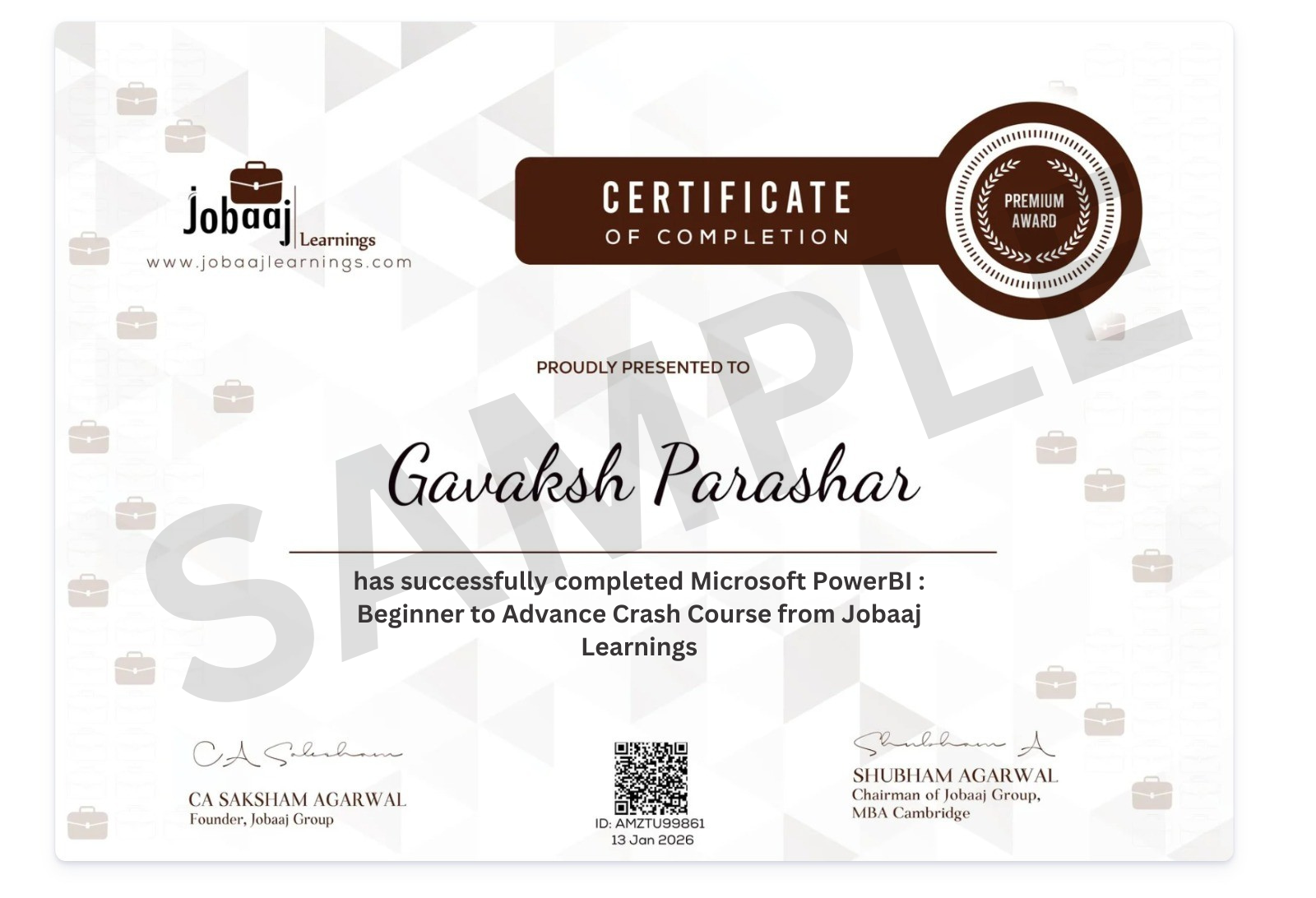
Issued and signed by Jobaaj Learnings, with a record an employer can check.
Add it to your résumé or post it to LinkedIn the day it's issued.
It says you finished the work and submitted the assignment — which is what it's worth showing for.
Learner stories
A few of the journeys from students who upskilled with Jobaaj Learnings.
“I built three real dashboards during the course, so I walked into interviews with an actual portfolio. Placed within six weeks of finishing.”
“The DAX section was the one that finally made CALCULATE click. I had read about it plenty of times before and never really got it.”
“I had zero data background. I’m now building executive dashboards for a Fortune 500. The pace is challenging but achievable.”
“I went from not knowing what Power BI was to building an end-to-end sales dashboard. The Discord community is genuinely active.”
“I was returning to work after two years away. This gave me both the confidence and the skills to crack my first interview back.”
“Switched from an electrical background into analytics. The structure suits career changers — no prior data experience assumed.”
Keep going
Power BI shows the numbers. These are the tools most often used to get them there — all free from Jobaaj Learnings.
Query the database directly instead of waiting on an export. The natural partner to Power BI.
ExploreLookups, pivots and the formula patterns that still do most of the work in a reporting job.
ExploreThe other dashboard tool employers ask for. Knowing both makes your CV harder to filter out.
ExploreWhere reporting ends and automation begins. Start from variables and loops, no coding needed.
ExploreFor charts that need to be reproducible and scripted rather than clicked together.
ExploreFree reporting on top of Sheets and BigQuery — useful when the data already lives in Google.
ExploreFAQ
Yes. Jobaaj Learnings provides it free of cost. There’s no fee to start, no trial period that ends, and no payment step anywhere in the flow.
None. The course starts from the very beginning and builds up from there, so you can begin with no prior experience in the subject.
Yes. Every lesson is recorded, so you can pause, rewind and come back whenever it fits around classes or work. There’s no schedule to keep up with.
No. Power BI Desktop, where you’ll do the building, is free from Microsoft. A paid Power BI Pro licence is only needed to share reports with colleagues inside an organisation — nothing in this course requires it.
Power BI Desktop is Windows-only, so on a Mac you’ll need a Windows virtual machine or a cloud Windows desktop to practise. Everything taught here works the same once you’re in that environment.
Neither is required — the course starts from connecting to a file. Both help later, and SQL in particular pairs well once you start pulling from databases, so there’s a free crash course for it too.
Clean and reshape data in Power Query, build a relationship model that returns correct totals, write DAX measures including time intelligence, and publish an interactive report with row-level security applied.
Write to training@jobaaj.com and we’ll get back to you.
Free · Jobaaj Learnings
This crash course is completely free. Open the first lesson and build your first report today.
Start learning free