
Know your way around
The ribbon, the work surface and how to navigate a large sheet quickly — then your first file, made presentable from the start.
Free learning initiative
Almost every office job opens a spreadsheet on day one. Jobaaj Learnings is making this crash course free for every student — finding your way around Excel, calculating correctly, filling a thousand rows in a second, and formatting data so it reads at a glance.
No payment step. Open the first lesson straight away.
Our learners now work at





What you'll learn
Speed in Excel comes from knowing the sheet, not from memorising hundreds of formulas. This course teaches the layout, the calculation rules, the fill tools and the formatting that make everyday work quick and presentable.
The ribbon, the work surface and how to navigate a large sheet quickly — then your first file, made presentable from the start.
Basic maths operators and the BODMAS order Excel follows — why =2+3*4 is not 20, and how brackets change the answer.
Break data into multiple sheets, move, copy and group worksheets, and keep your workbook on OneDrive so it is saved and shareable.
Fill numbers, dates and text in one drag or from the keyboard, and use Fill Series for steps, weekdays and months.
Insert, delete, hide and resize rows and columns with the mouse and with shortcuts, and highlight the data that matters.
Cell formats and their shortcuts, custom number formats with Ctrl+1, and your own reusable cell styles — then four assignments to practise the lot.
Why it's free
We built this to be learned from, not sold.
A lot of people who need a skill like this are exactly the people least able to pay for it — students between semesters, freshers before a first job, anyone rebuilding after a break. So we took the fee off.
Every lesson is open from the start. There's no locked second half and no upgrade waiting three modules in.
This isn't a promotional price or a trial. There's no clock on it and no fee arriving later.
Nothing was trimmed to make it free. It is the same material, at the same depth, as everything else we teach.
Come back to a lesson next month or next year. Access doesn't expire and nothing gets pulled behind a paywall.
Where it takes you
Excel is listed on more job descriptions than any other software skill — in finance, operations, analytics, HR and sales alike.
The most common reason people take this — Excel tests show up in interviews for almost any office role.
Build and maintain the reports a department runs on every week.
Clean, organise and summarise data before it goes anywhere else.
Work with budgets, forecasts and business data in well-formatted sheets.
Track orders, stock and schedules in shared workbooks.
Handle large volumes of data quickly and accurately — autofill and shortcuts are the job.
Salary bands are indicative market ranges for these roles in India, not an outcome promised by this course.
Sixty-second check
Five questions on the things that actually trip people up. Answer them and you'll get a read on where you stand — and which part of the course to start from.
Certificate
Submit your assignment and Jobaaj Learnings issues a verifiable certificate you can share anywhere.
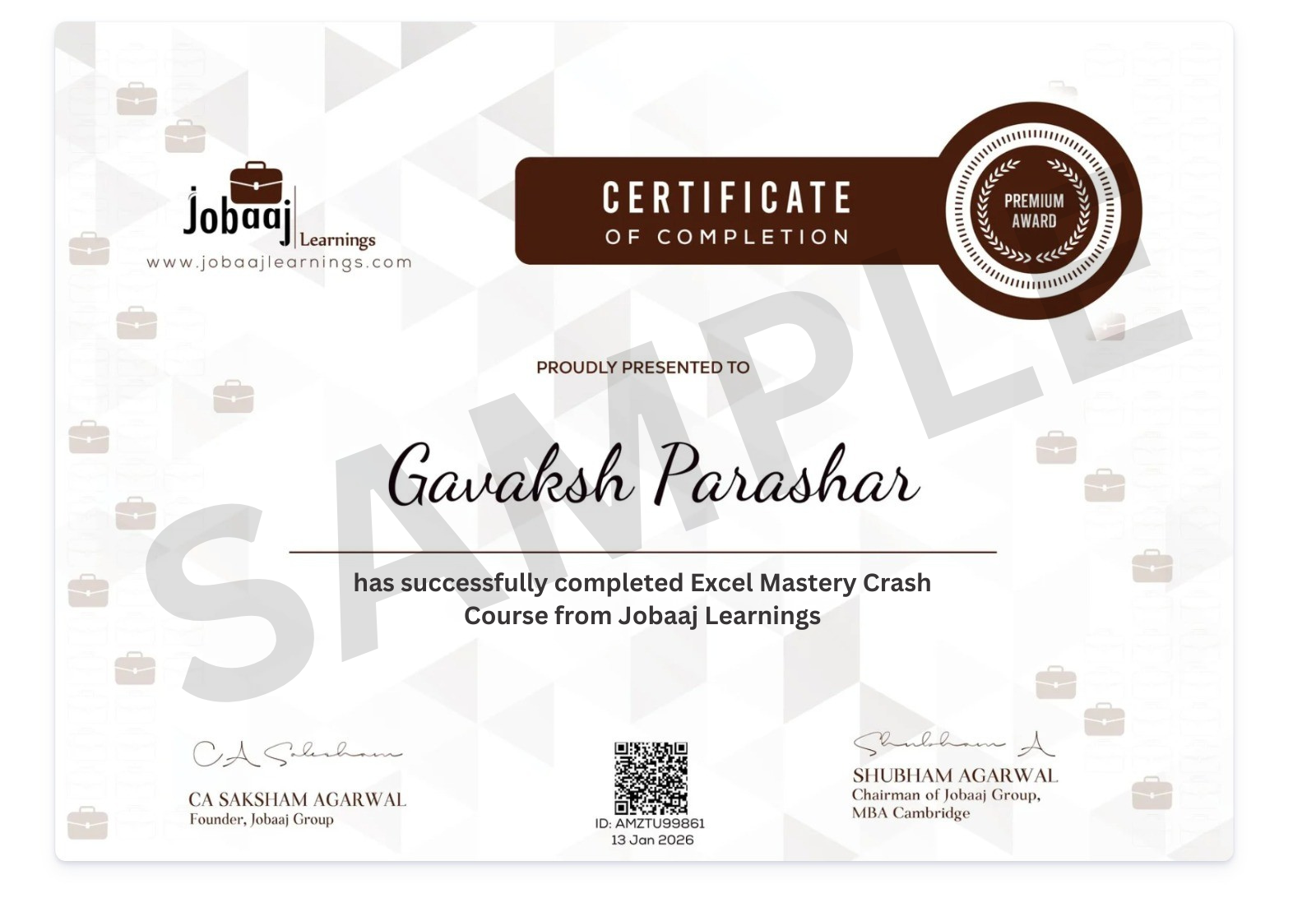
Issued and signed by Jobaaj Learnings, with a record an employer can check.
Add it to your résumé or post it to LinkedIn the day it's issued.
It says you finished the work and submitted the assignment — which is what it's worth showing for.
Learner journeys
Learners who moved into analyst, operations and business roles after upskilling with Jobaaj Learnings.
Started as a fresher, built up her Excel and Power BI skills, and joined eClerx as a data analyst.
Moved from Byju’s to an analyst role at Wipro, clearing eight interview rounds on the way.
Went from B.Com graduate to business analyst at Preferred Square.
Aimed for a career in back-end operations and was placed as a business support manager after upskilling in data and finance.
Moved from Wipro into a junior data analyst role at Xyle.
Went from accounting and finance graduate to business analyst at CreditWise Capital.
Keep going
Excel is where data work starts. These are the tools most people pick up next. All free from Jobaaj Learnings.
Power Query, data modelling and DAX, to a working report.
ExploreQuery, join and aggregate the data behind every dashboard.
ExploreDimensions, measures, the Marks card and interactive filters.
ExploreFree dashboards on Google Sheets: tables, scorecards and controls.
ExploreVariables, operators, conditions, loops and strings, from the first line.
ExploreNumPy arrays, Pandas Series and DataFrames — the data every Python chart is drawn from.
ExploreFAQ
Yes. Jobaaj Learnings provides it free of cost. There’s no fee to start, no trial period that ends, and no payment step anywhere in the flow.
None. The course starts from the very beginning and builds up from there, so you can begin with no prior experience in the subject.
Yes. Every lesson is recorded, so you can pause, rewind and come back whenever it fits around classes or work. There’s no schedule to keep up with.
Any recent desktop version of Microsoft Excel, or Excel for the web with a free Microsoft account. The course also shows how to save to OneDrive so your files are available anywhere.
Yes. There are four assignments, each with its own problem and solution video, and an MCQ at the end — so you practise each skill, not just watch it.
This course covers the foundations: the interface, calculations, autofill, rows and columns, formats and styles. Lookup functions, pivot tables and charts are beyond its scope — the Power BI crash course, also free, is a good next step for analysis and charts.
Find your way around the ribbon and a large sheet, write calculations Excel evaluates in the order you intend, fill numbers, dates and text in seconds, manage rows, columns and worksheets with shortcuts, and format data with custom number formats and reusable styles.
Write to training@jobaaj.com and we’ll get back to you.
Free · Jobaaj Learnings
This crash course is completely free. Open the first lesson and start with the ribbon.
Start learning free