

-
Explore
-
Crash Courses FreeFast Learning
-
Workshops FreeHands-on experience
-
Nano DegreeJob-guaranteed credential
-
ProgramsFull career roadmap
-
BooksTraditional Learning
-
Management Consulting
-
Product Management
-
Data
-
Finance
-
Stock Market/Trading
-
IT/Software
-
Artificial Intelligence (AI)
-
Human Resources (HR)
-
All Courses
- Python Core Concept
- SQL Mastery
- Microsoft PowerBI
- Tableau Mastery
- Excel Mastery
- Looker Studio
- Data visualization with Python
- Data & business analytics fundamentals
- Equity Research and Valuation
- Financial Modelling
- Ratio Analysis
- Portfolio Management
- Investment banking fundamentals
 Categories
 Domains
Workshops
Programs
Books
/content/learnings/assets/header/ManagementConsulting.svg)
/content/learnings/assets/header/InvestmentBanking.svg)
Crash Course
Data
Management Consulting
Finance
Stock Market/Trading
Artificial Intelligence
IT/Software
Product Management
Human Resource
Nano Degree
Management Consulting
Programs
 Management Consulting Program
Crash Courses
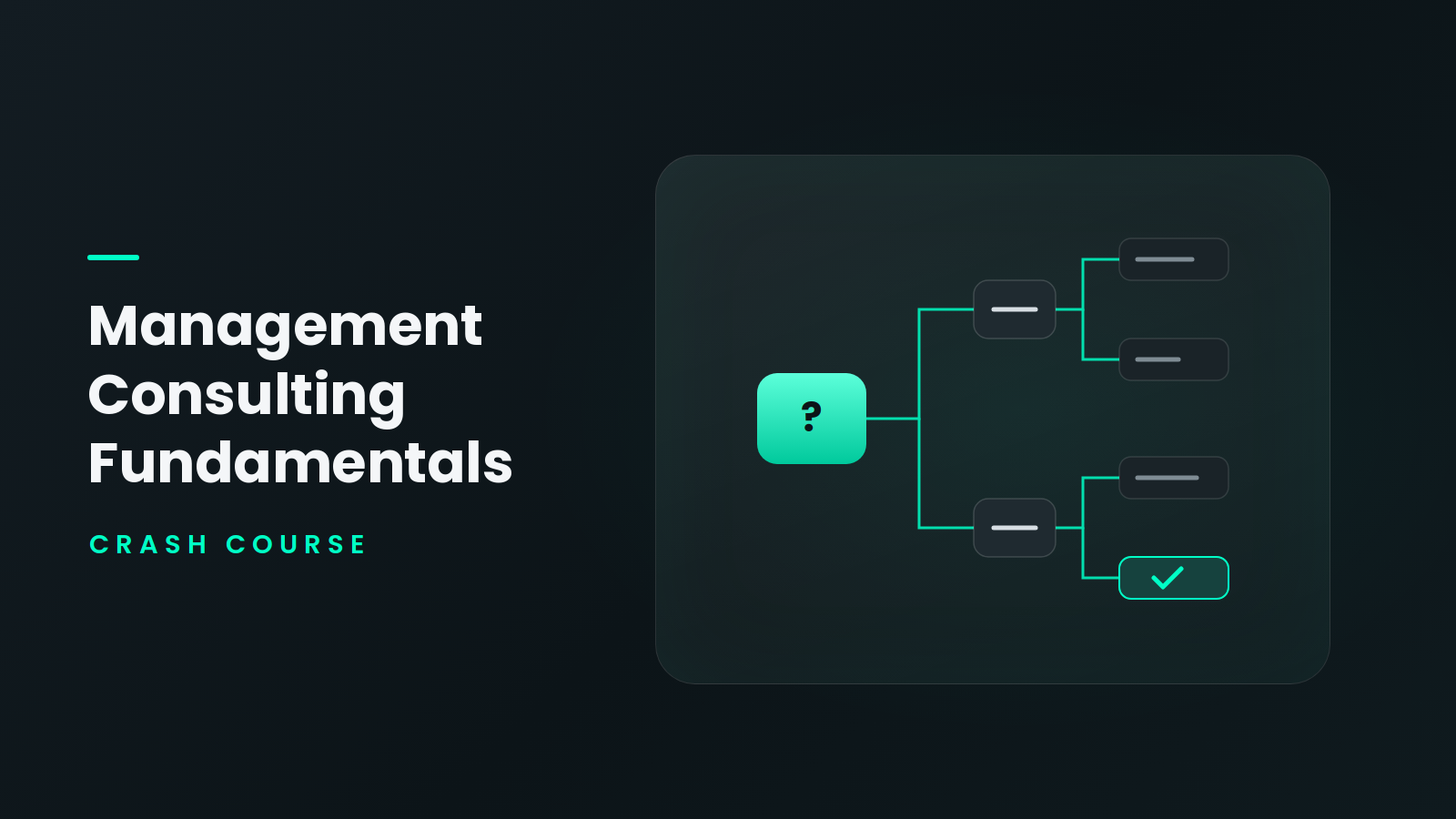 Management Consulting Fundamentals Crash Course
Book
Data
Crash Courses
Finance
Workshops
Crash Courses
Book
Stock Market/Trading
Crash Courses
Book
IT/Software
Crash Courses
Human Resources (HR)
Programs
 Human Resource Management Program
Workshops
 Human Resource Management Workshop
Crash Courses
-























🚀 FREE AI WORKSHOP! 🚀
Join us this weekend and unlock the power of AI to stay ahead in your career!
"One person using AI will replace 100 professionals not using AI" – Are you ready?
Reserve Your Spot Now!Your career, handled from one phone
Search jobs by simply describing what you want, pick up your course where you left off, and message a mentor when you need direction.
Available on Android and iPhone
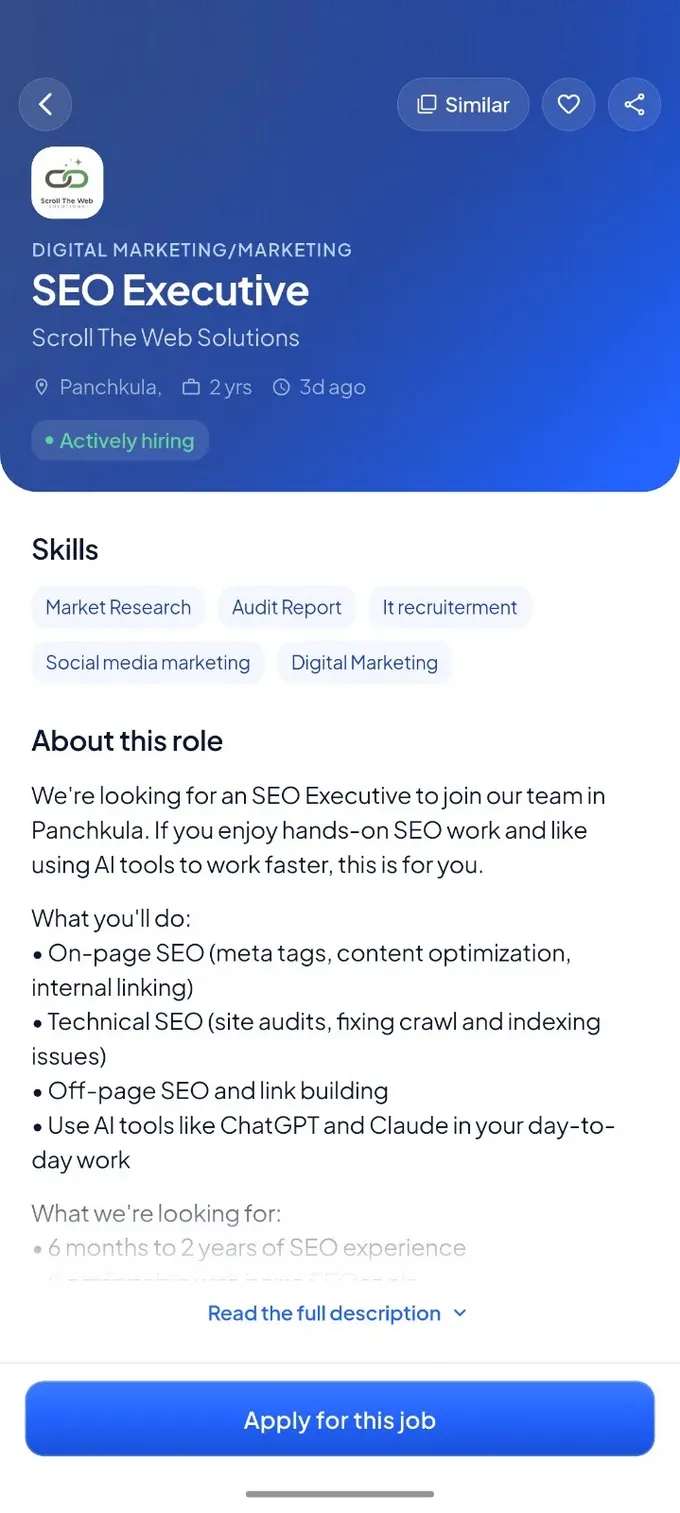
Openings across domains and roles like these
Everything your job search needs, in one place
No switching between a job portal, a course site and a chat app. Tap through to see what each part of the app does.
-
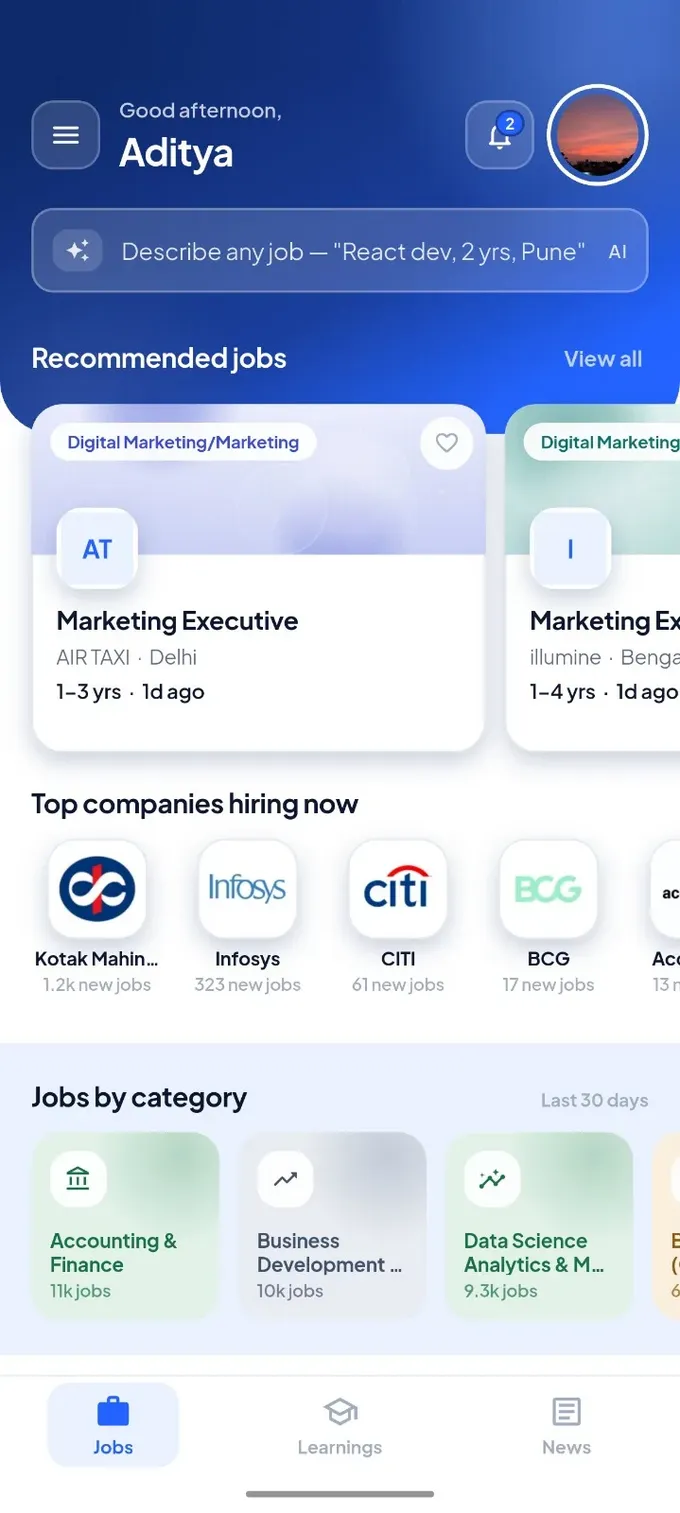
Your home screen shows recommended jobs, the companies hiring right now and openings grouped by category, with the number of live jobs in each.
-
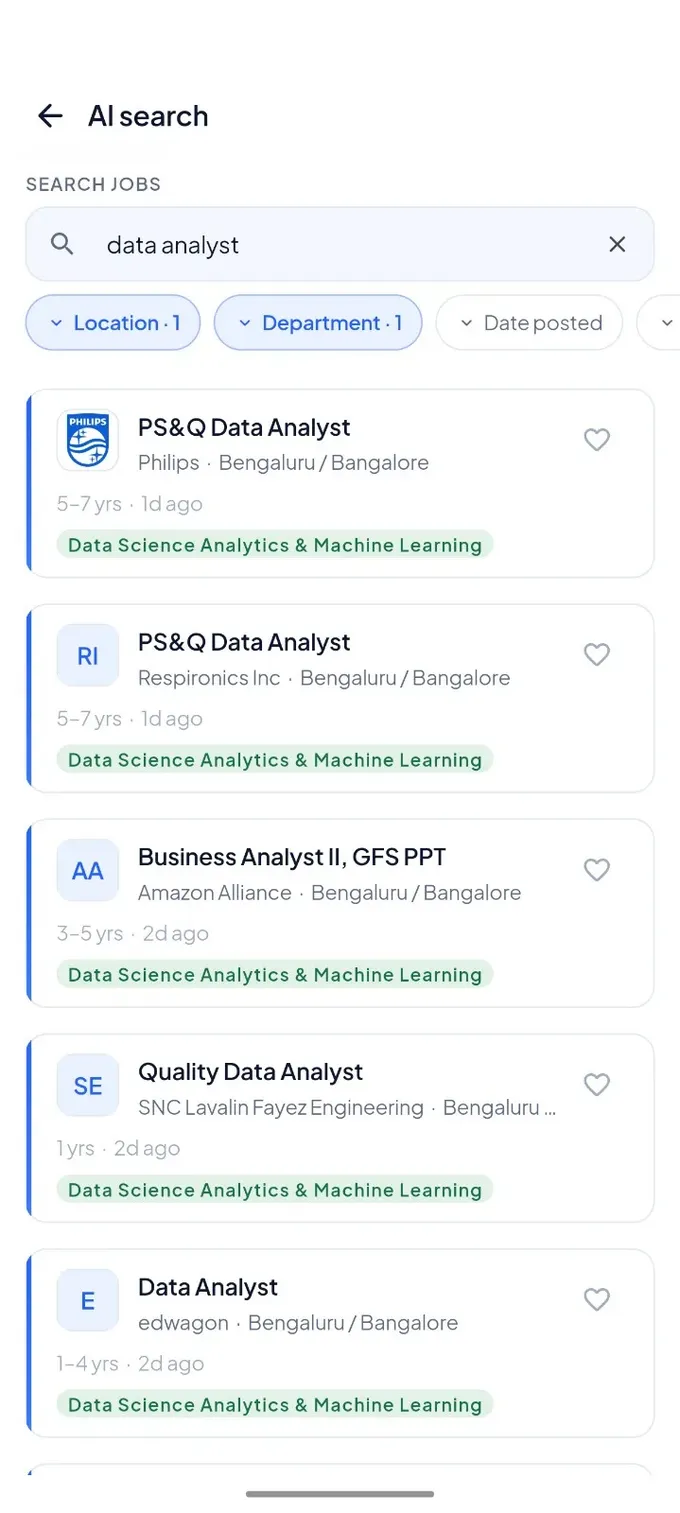
Type a search the way you would say it, like "React dev, 2 yrs, Pune". Narrow the results by location, department and date posted, and save the roles you like.
-
See the skills a role asks for, what the work involves and whether the company is actively hiring, then apply from the same screen.
-
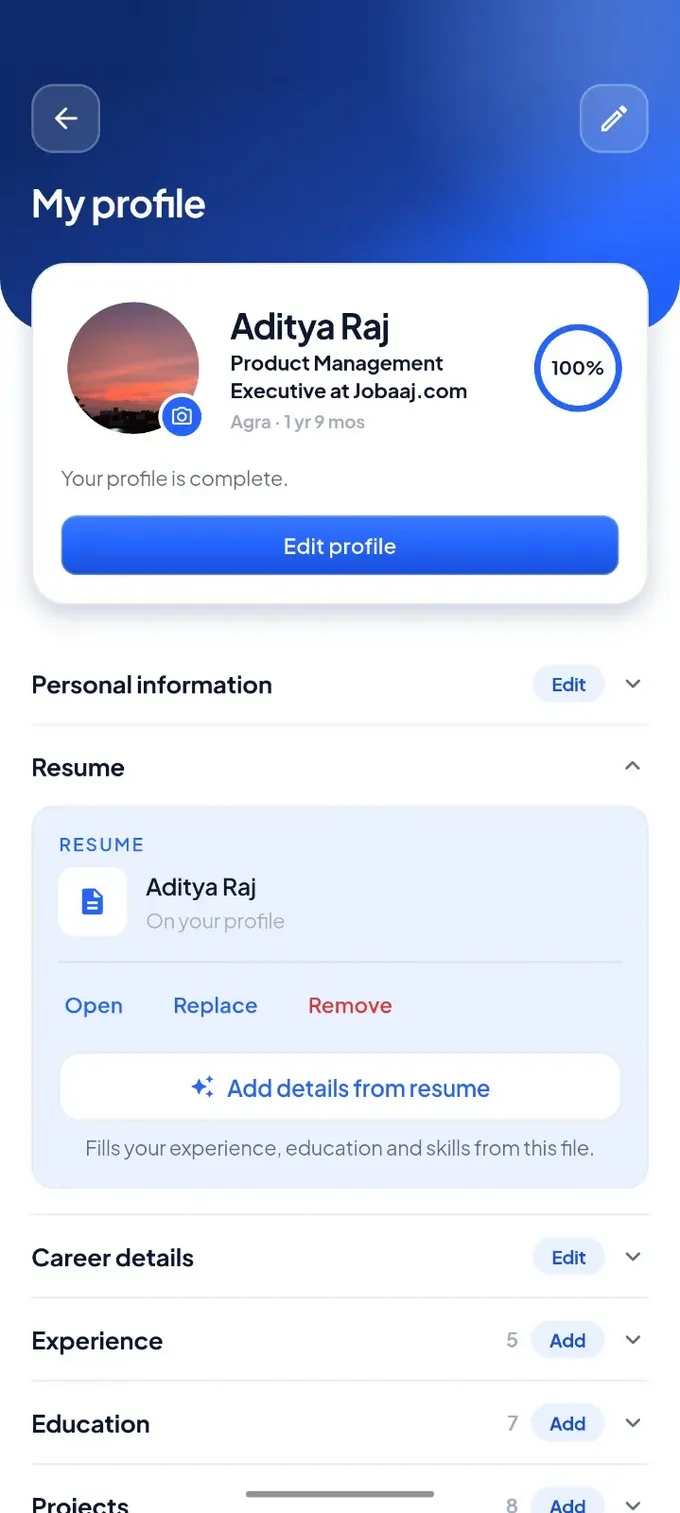
Upload your resume and the app fills in your experience, education and skills for you. A completion meter shows what is still missing.
-
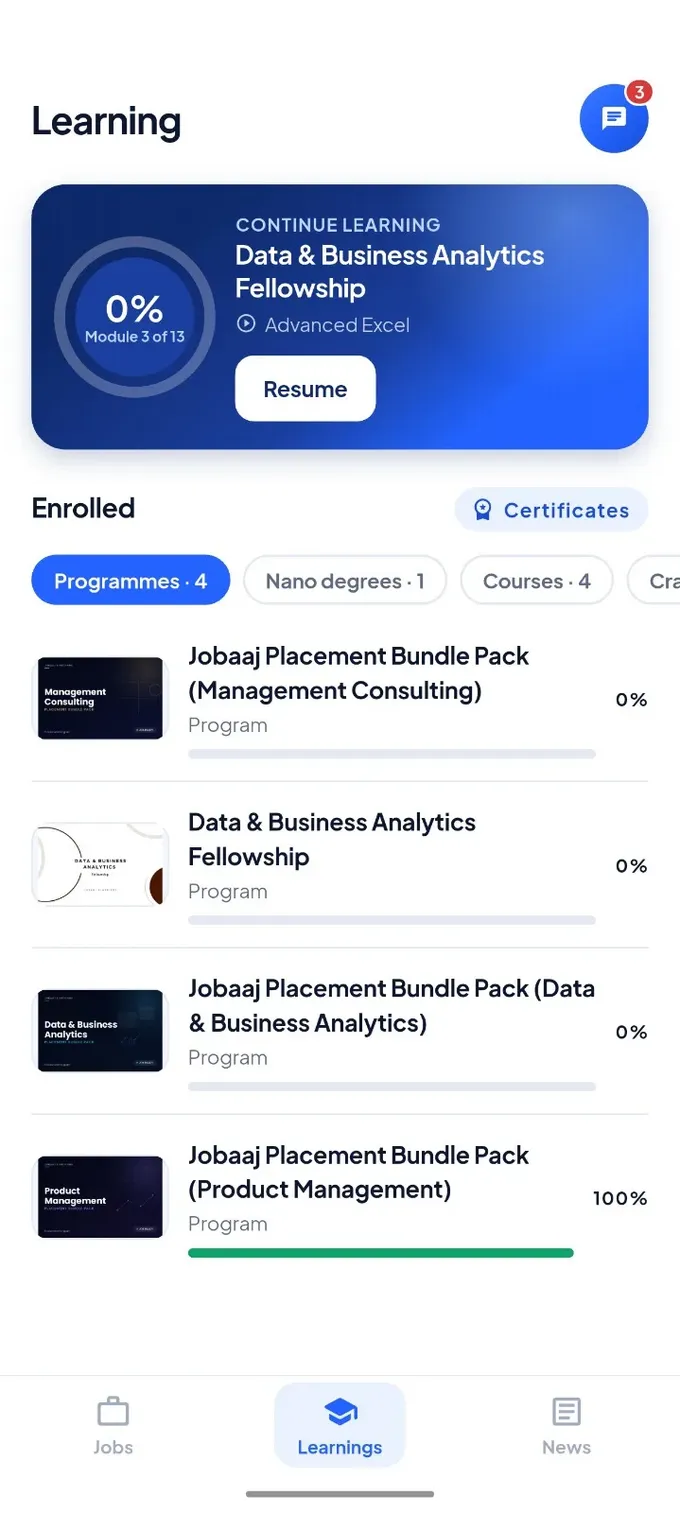
Continue your programme, nano degree or course from where you stopped, with progress shown for everything you are enrolled in.
-
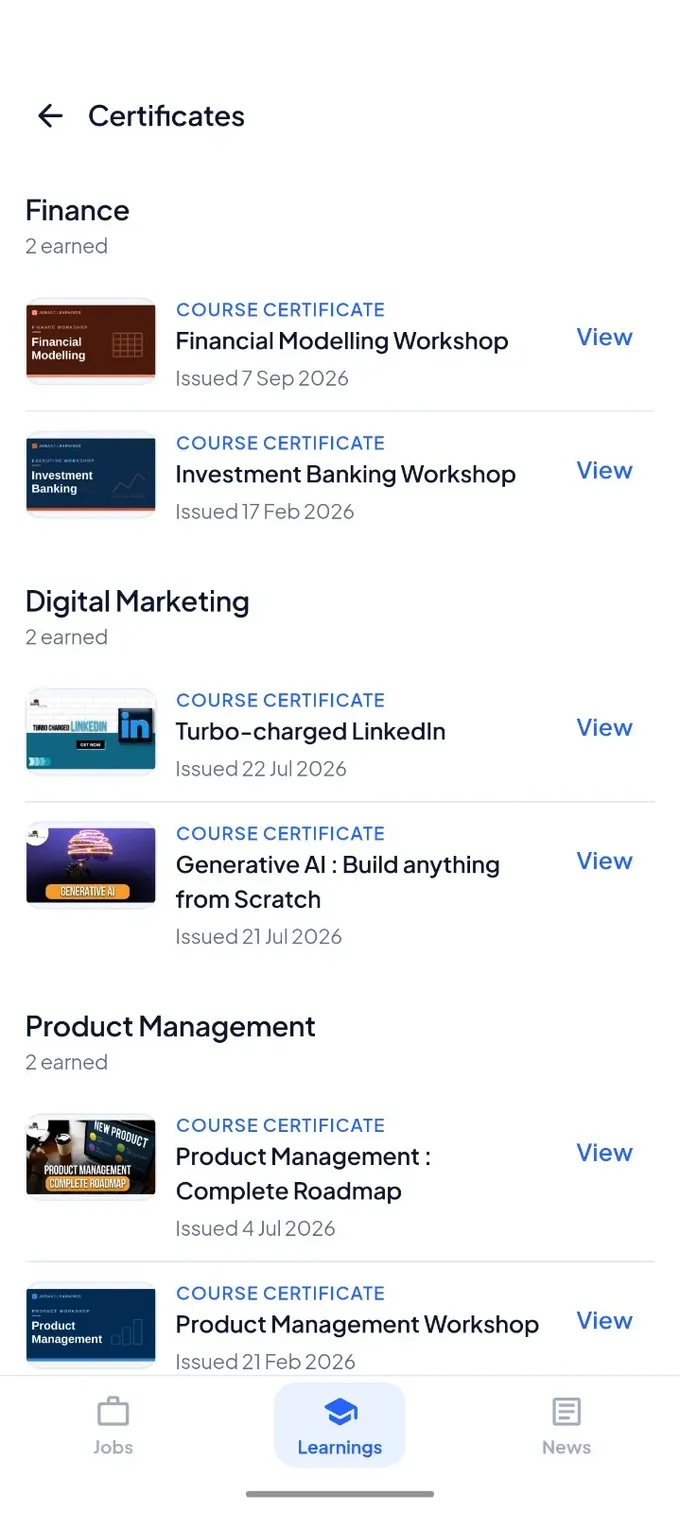
Every certificate you earn is saved and sorted by domain, so it is ready to open whenever a recruiter asks.
-
The News tab brings you the latest from Jobaaj Stories, from mentor profiles to current affairs, so you keep up with what is happening while you job hunt.
You are never figuring it out alone
Jobaaj runs its own community inside the app. Your program group, your mentors and your doubts all sit in one place, with no outside chat apps and no hunting for a link.
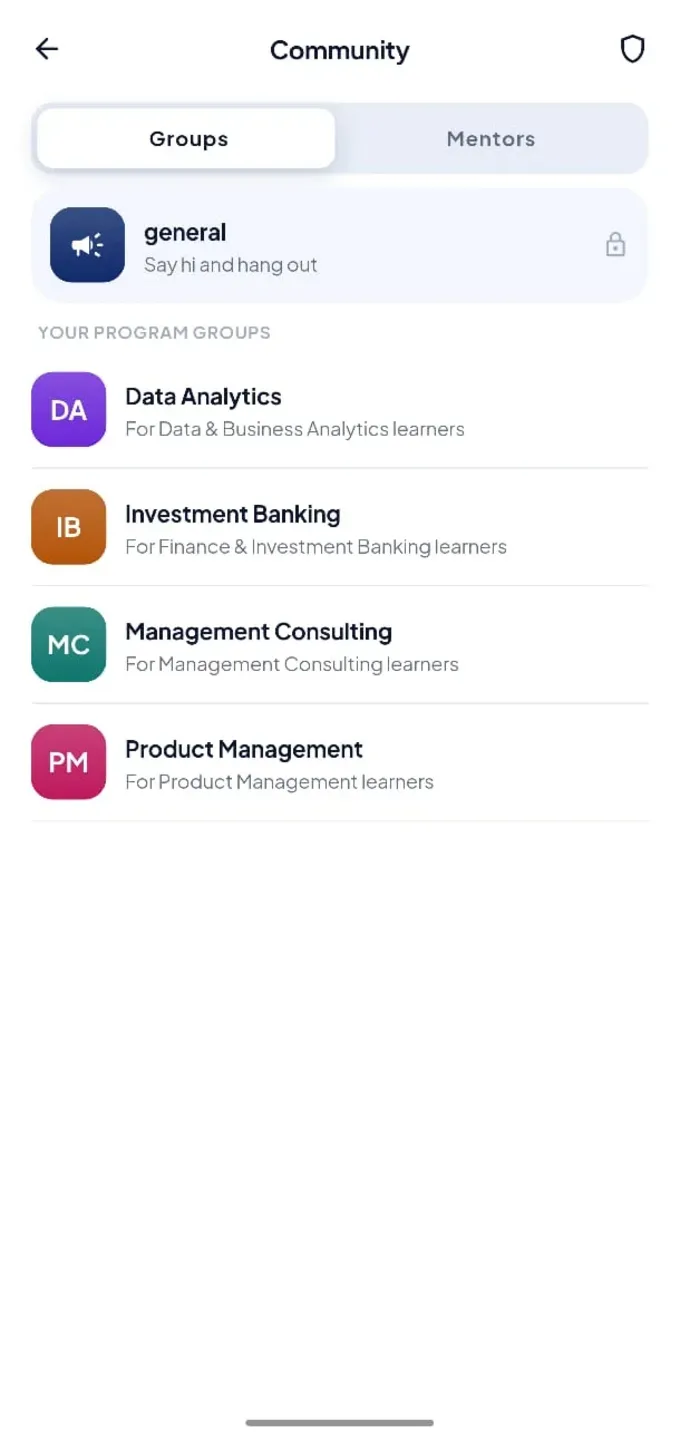
A group for your program
Join the group for your program, like Data Analytics or Investment Banking, and learn alongside people on the same track.
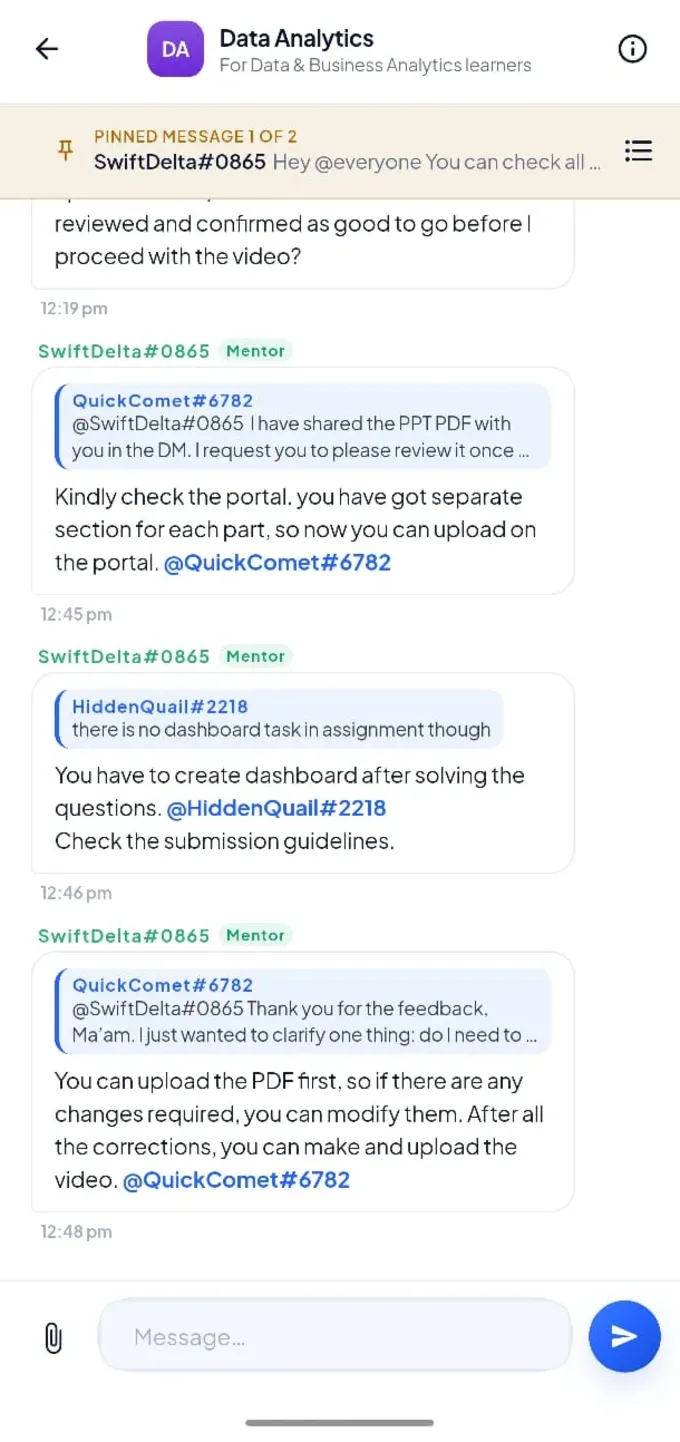
Doubts answered in the group
Ask about an assignment or a submission and mentors reply right in the chat, tagging you so you don't miss it.
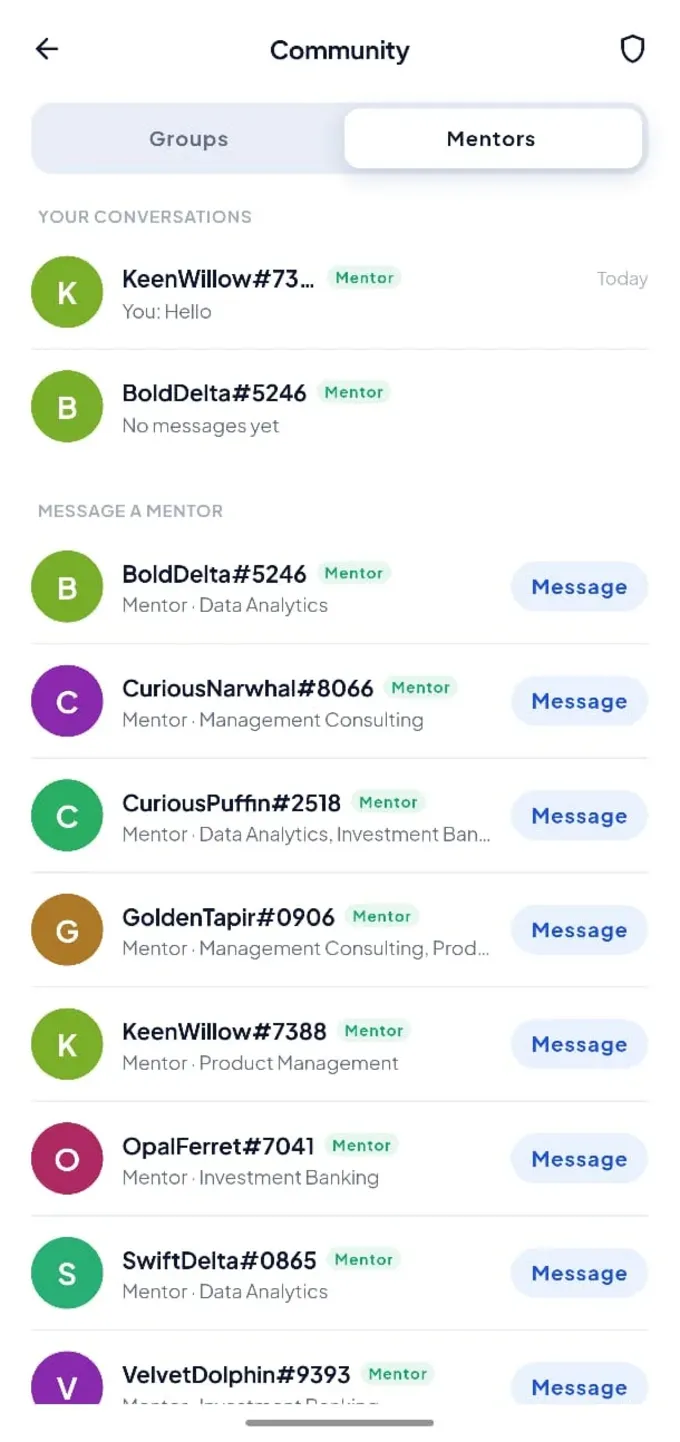
Message a mentor directly
Pick a mentor by domain, such as consulting, product or data, and start a one-to-one conversation.
Important notices stay pinned at the top of each group.
Reply to a specific message and tag people so answers stay clear.
Attach your work in the chat when you need a mentor to take a look.
Say hi, meet other learners and hang out beyond your program.
How it works
Three steps from downloading the app to applying with the right skills.
Set up your profile
Sign up, upload your resume and let the app fill in your details.
Find and apply
Search in plain words, save the roles you like and apply from the job page.
Learn what roles ask for
Enrol in a programme or course, track your progress and collect certificates.
Questions about the app
Quick answers to what people ask most before downloading.
What can I do on the Jobaaj Learnings app?
You can search and apply for jobs, build your profile from your resume, study the programmes and courses you are enrolled in, keep your certificates in one place, join your program group and message mentors in the community, and read the latest news.
How does AI job search work?
Describe the job you want in your own words, such as the role, your experience and the city. The app finds matching openings, and you can narrow them further by location, department and date posted.
Can I fill my profile using my resume?
Yes. Upload your resume in the profile section and choose "Add details from resume". The app fills in your experience, education and skills, and you can edit anything afterwards.
Where do I find my courses and certificates?
Open the Learnings tab. Your programmes, nano degrees and courses are listed with your progress, and the Certificates button shows every certificate you have earned, grouped by domain.
How do I talk to a mentor?
Go to Community, open the Mentors tab and tap Message next to the mentor you want to speak with. You can also ask in your program group, where mentors reply in the chat.
What is the Jobaaj community?
It is Jobaaj's own community inside the app. There is a general group for everyone, a group for each program such as Data Analytics, Investment Banking, Management Consulting and Product Management, and direct messages with mentors.
Which phones does the app work on?
The app is available for Android on Google Play and for iPhone on the App Store.
Download the app and start with your profile
Set it up once and your job matches, courses, certificates and mentors all live in one place.

All trademarks are the property of their respective owners
All rights reserved @ 2026 Nishtya Infotech (India) Ltd.





Log in to your account✨
Welcome back! Please enter your details
Don’t have an account yet? Sign up