Categories








































How to Design a User-Centered Website That Converts | Conversion Tips

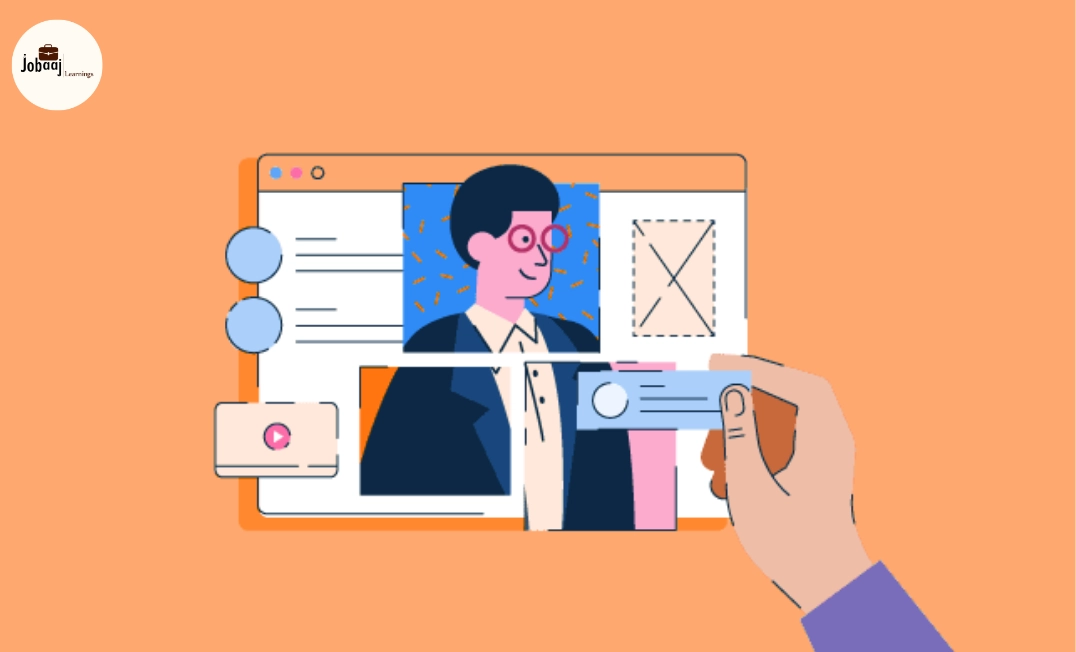
Creating a website isn’t just about beautiful visuals it’s about making every visitor’s journey intuitive, seamless, and persuasive. A user-centered website puts the needs of your audience first, ensuring they find what they want quickly and take desired actions, like signing up, purchasing, or contacting you. In this guide, we break down how to design a website that not only looks good but converts visitors into customers.
Exploring a career in Web Development? Apply now!
1. Understand Your Users Deeply
Before designing anything, know your audience. Conduct research to answer:
- Who is visiting my website?
- What problems are they trying to solve?
- What motivates their decisions?
Use tools and methods:
- Google Analytics and Hotjar for behavior insights
- User interviews and surveys
- Competitor analysis
Create user personas. Give them names, goals, and pain points. This keeps design decisions focused on real people.
2. Simplify Navigation
A confusing website kills conversions. Make navigation intuitive and predictable:
- Keep menus short and logical
- Use descriptive labels like “Pricing” or “Features”
- Include a clear call-to-action (CTA) in the top header
Ensure mobile navigation is thumb-friendly, with tap-sized buttons and clear hierarchy.
3. Focus on Visual Hierarchy
Guide users’ eyes where you want them to go:
- Use size, color, and spacing to highlight important content
- Place primary CTA buttons above the fold
- Break content into sections with headings and images
Example: A “Sign Up” button in bright color stands out against neutral backgrounds, increasing clicks.
4. Make Content Clear and Actionable
Every word counts. Use simple, direct language that aligns with user intent:
- Headings communicate benefit, not just description
- Bullet points make scanning easy
- Include trust signals like testimonials or awards
Pro tip: Avoid jargon; users should immediately understand what they gain.
5. Optimize Loading Speed
Even minor delays impact conversions:
- Compress images and use modern formats like WebP
- Minimize scripts and CSS files
- Use fast hosting and caching
Google PageSpeed Insights can guide improvements and boost SEO simultaneously.
6. Mobile-First Design
Most users access websites via mobile. Ensure:
- Text is legible without zooming
- Buttons are tappable and spaced correctly
- Forms are easy to fill
Test on real devices, not just browser simulators.
7. Build Trust and Credibility
Users need confidence before taking action:
- Display SSL certificates and secure payment icons
- Show reviews and testimonials
- Include clear privacy policies and contact info
Trust directly impacts conversion rates don’t skip it.
8. Test, Measure, and Iterate
User-centered design is never finished. Use data to optimize:
- A/B test headlines, colors, and CTAs
- Track conversion funnels and drop-off points
- Update content and design based on analytics
Even small tweaks, like button color or text changes, can boost conversions by 10–20%.
Conclusion
A user-centered website isn’t just visually appealing it’s strategically built to guide visitors, build trust, and convert them into loyal customers. By understanding your users, simplifying navigation, prioritizing clarity, and continually testing and iterating, you create an experience that resonates. Remember, every detail from CTA placement to mobile responsiveness impacts conversions. Start small, measure results, and refine constantly. The closer your design aligns with user needs, the higher your chances of turning visitors into advocates for your brand.
Dreaming of a Web Development Career? Start with Web Development Certificate with Jobaaj Learnings.
Frequently asked questions
What is a user-centered website?
A user-centered website focuses on the needs, goals, and behaviors of visitors. Every design decision is made to improve their experience and guide them toward desired actions.
How can I improve website conversions?
Focus on clear navigation, strong CTAs, fast loading times, trust signals, and mobile-friendly design. Test different versions to see what works best.
Do I need to hire a UX designer for this?
Not necessarily. Basic principles of user-centered design can be applied by anyone, but a UX designer helps refine the experience for higher conversions and user satisfaction.
How often should I update my website design?
Continuously. Regularly test, measure, and iterate based on user behavior and analytics. Even small updates can improve conversions.
Join 5,00,000+ Subscribers
Be a part of our ever growing community.