Categories









/content/learnings/assets/header/ManagementConsulting.svg)
/content/learnings/assets/header/InvestmentBanking.svg)



















/content/learnings/assets/header/programs/1.png)
/content/learnings/assets/header/programs/4.png)

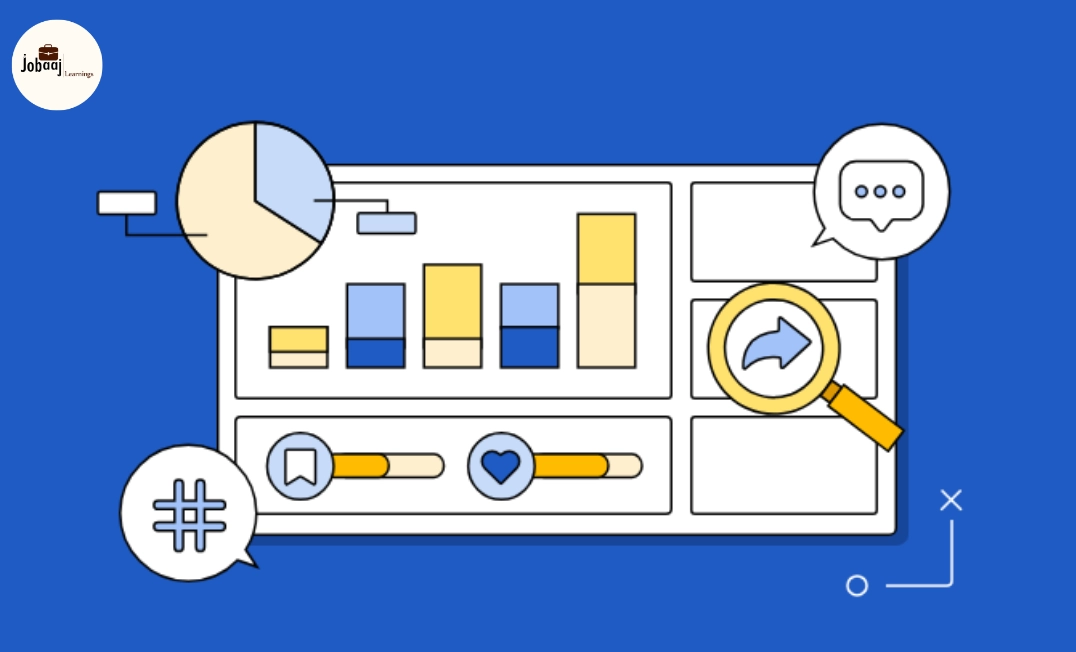
LinkedIn is not just a networking platform it’s a powerful source of professional data. Organizations, marketers, and recruiters leverage LinkedIn analytics to understand engagement, track trends, and make data-driven decisions. For professionals, mastering LinkedIn data insights can help optimize personal branding, content strategy, and career growth.
This guide provides practical applications, tools, and strategies to harness LinkedIn analytics effectively in 2026.
Optimize Your LinkedIn. Amplify Your Career. Start Now!
Why LinkedIn Analytics Matter
- Track Engagement: Measure post interactions, follower growth, and content reach.
- Content Strategy: Identify which topics resonate most with your audience.
- Network Insights: Analyze industries, roles, and engagement patterns.
- Career Advancement: Showcase visibility, professional influence, and thought leadership.
Understanding analytics allows users to strategically plan content and optimize professional presence.
Key Metrics to Monitor
- Profile Views: Monitor how often your profile is viewed and by whom.
- Post Impressions & Engagement: Track likes, comments, shares, and click-throughs.
- Follower Demographics: See which industries, locations, and job titles follow you.
- Search Appearances: Understand how often you appear in LinkedIn searches.
- Connection Growth Rate: Measure growth in network size over time.
- Content Type Performance: Compare text posts, articles, videos, and documents.
Tracking these metrics helps identify patterns and opportunities for improvement.
Practical Applications of LinkedIn Analytics
- For Individuals:
- Optimize your content strategy for higher visibility.
- Identify the best times to post and preferred formats.
- Track career-related engagement from recruiters and industry peers.
- For Businesses & Recruiters:
- Measure employer branding campaigns.
- Track engagement with job postings and company content.
- Identify potential candidates based on profile analytics.
- For Marketers:
- Evaluate campaign ROI and audience interaction.
- Adjust marketing strategies based on real-time engagement insights.
Tools to Leverage LinkedIn Data
- LinkedIn Native Analytics: Available for profiles and company pages to track key metrics.
- LinkedIn Sales Navigator: Offers advanced insights on leads and prospects.
- Third-Party Analytics Tools: Tools like Shield Analytics, Hootsuite, and Sprout Social provide deeper analysis and reporting.
- Excel & Power BI: Export LinkedIn data for custom visualization and reporting.
Combining LinkedIn’s native tools with external analytics platforms can enhance insights and improve decision-making.
Best Practices to Maximize Insights
- Set Clear Goals:Know whether you aim to grow followers, drive engagement, or attract recruiters.
- Monitor Regularly: Track metrics weekly to identify trends.
- Experiment with Content: Test various formats, topics, and posting times.
- Engage with Audience: Respond to comments and messages to improve reach.
- Benchmark Performance: Compare your data against peers or industry standards.
Conclusion
LinkedIn analytics provide valuable insights into professional presence, content performance, and audience engagement. By understanding and leveraging these metrics, both individuals and businesses can optimize networking, improve content strategy, and enhance visibility in 2026.
Mastering LinkedIn data insights allows you to make informed decisions, track progress, and strategically grow your professional influence, turning analytics into tangible career and business outcomes.
Frequently asked questions
What are LinkedIn data insights?
LinkedIn data insights are analytics metrics that track profile visits, post engagement, follower demographics, and content performance to help professionals and businesses make data-driven decisions.
Which metrics should I track on LinkedIn?
Profile views, post impressions and engagement, follower demographics, search appearances, connection growth, and content type performance are key metrics.
Can LinkedIn analytics help with job searching?
Yes. By monitoring engagement and profile views, you can gauge recruiter interest, optimize content, and improve visibility to potential employers.
Which tools complement LinkedIn analytics?
Native LinkedIn analytics, LinkedIn Sales Navigator, Shield Analytics, Hootsuite, Sprout Social, and Power BI or Excel for advanced reporting.
How often should I review LinkedIn analytics?
Regular monitoring, ideally weekly, helps identify trends, optimize content, and track career or business objectives effectively.

Join 5,00,000+ Subscribers
Be a part of our ever growing community.