Categories














/content/learnings/assets/header/ManagementConsulting.svg)
/content/learnings/assets/header/InvestmentBanking.svg)



























/content/learnings/assets/header/programs/1.png)
/content/learnings/assets/header/programs/4.png)

What is the Role of Accessibility in Your Designs? | Why Accessibility Matters in UX Design

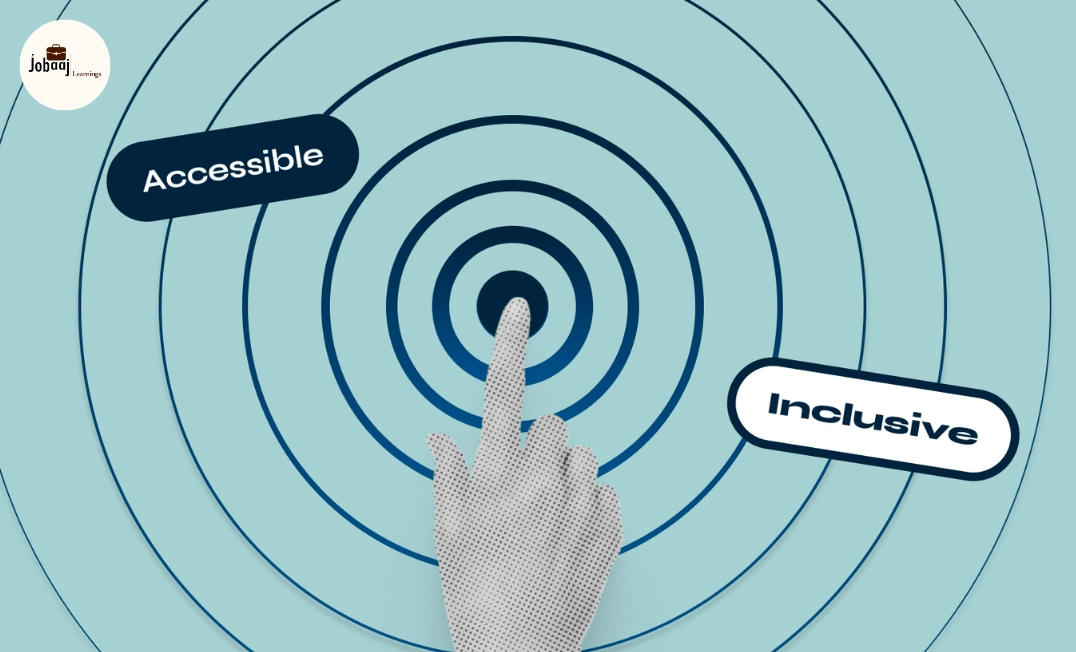
Accessibility in design is not just a best practice; it's a responsibility. Every designer and developer must ensure that the products they create are usable by all people, regardless of their abilities or disabilities. As the world becomes more digitized, the focus on accessibility in design is more important than ever. Making websites, apps, and products accessible enhances the user experience, promotes inclusivity, and ensures that digital spaces are welcoming to everyone.
Exploring a career in Web Development? Apply now!
In this blog, we’ll explore the importance of accessibility in design, how to integrate it into your design process, and the real-world impact of creating accessible products.
Why is Accessibility Important in Design?
Designing with accessibility in mind is essential for ensuring that people with disabilities have the same access to services, information, and products as everyone else. According to the World Health Organization, about 15% of the world’s population lives with some form of disability, and this number is expected to rise. Accessibility goes beyond just legal requirements; it’s about creating an equitable user experience.
Key Reasons Why Accessibility Matters:
- Inclusivity: Accessibility ensures that everyone, regardless of physical or cognitive abilities, can access and interact with your product. It allows people with visual impairments, hearing loss, motor disabilities, and cognitive impairments to use websites and apps without barriers.
- Legal Compliance: In many countries, there are legal regulations requiring digital products to meet certain accessibility standards (e.g., WCAG 2.1). Non-compliance can result in lawsuits, fines, and negative publicity.
- Wider Reach: By making your products accessible, you expand your potential user base. Accessibility often benefits users with temporary impairments, elderly users, and those with fluctuating disabilities.
- Enhanced User Experience: Accessible design improves usability for all users, not just those with disabilities. Features like keyboard navigation, voice commands, and alternative text for images make the product easier to use and navigate for everyone.
Understanding Accessibility in Design
Accessibility in design focuses on creating a user-friendly experience for everyone, including people with disabilities. It involves integrating specific design techniques and tools that accommodate different needs and preferences.
Common Accessibility Features in Design:
- Keyboard Navigation:
Not all users can use a mouse, so ensuring that your design supports keyboard navigation (such as Tab and Enter key functions) allows users to navigate without relying on a pointing device. - Color Contrast and Color Blindness:
Color contrast is critical for users with visual impairments or color blindness. Designers should ensure that there is enough contrast between text and background colors for readability. Additionally, avoiding reliance on color alone to convey information (e.g., "Click the red button") helps users with color blindness. - Text and Font Size:
Offering users the ability to adjust the font size or using larger, easily readable fonts ensures that the content is accessible to people with low vision. - Alt Text for Images:
Images should include alt text, which describes the image for users who rely on screen readers. This ensures that visually impaired users can still understand the content of the image. - Captions and Transcripts:
For videos or audio content, providing captions or transcripts is essential for users who are deaf or hard of hearing. This also benefits users in noisy environments or those who prefer reading over listening. - Accessible Forms:
Forms should be easy to navigate, with clear labels, error messages, and logical tabbing orders. Users with disabilities often rely on screen readers or keyboard navigation, so ensuring accessibility in forms is crucial. - Screen Reader Compatibility
:Making sure that all content, including interactive elements, is compatible with screen readers helps users with visual impairments access your content effectively.
How to Incorporate Accessibility Into Your Design Process
Incorporating accessibility into your design process requires deliberate action. It involves thinking about the needs of diverse users throughout the entire design lifecycle. Here’s how you can integrate accessibility into your design process:
1. Educate Yourself and Your Team
- Familiarize with WCAG: The Web Content Accessibility Guidelines (WCAG) are the internationally recognized standards for web accessibility. Understanding these guidelines is crucial for designing accessible products.
- Stay Up-to-Date: Accessibility guidelines and best practices evolve over time. Stay updated on the latest accessibility trends and legal regulations.
- Involve Accessibility Experts: If possible, collaborate with accessibility experts or consultants to ensure you’re following best practices.
2. Plan Accessibility from the Start
Incorporating accessibility during the initial stages of design is more effective than retrofitting accessibility after development. Ensure accessibility is a key part of your design brief and project goals.
- User Personas: Include accessibility-focused user personas to ensure that your designs cater to diverse needs.
- Wireframes: During the wireframing stage, consider how your design will function with assistive technologies like screen readers, keyboard navigation, and voice commands.
3. Use Accessible Tools and Resources
- Design Tools with Accessibility Features: Use design software like Figma and Sketch that offer built-in accessibility features, such as color contrast checkers and keyboard navigation simulations.
- Automated Testing Tools: Implement tools like WAVE, Axe, and Lighthouse to run accessibility audits and identify potential issues before development begins.
- Keyboard Testing: Regularly test your design using only the keyboard to ensure it works for keyboard-only users.
4. Test with Real Users
The best way to ensure your design is truly accessible is to test it with real users who have disabilities. Use user testing methods such as:
- Screen Reader Testing: Test your design with a screen reader to identify potential barriers.
- Keyboard-Only Testing: Ensure users can navigate your design using only the keyboard.
- Feedback from Users with Disabilities: Get direct feedback from people with disabilities to understand their experience with your product and identify areas for improvement.
5. Maintain Accessibility After Launch
Accessibility is not a one-time task but an ongoing effort. Post-launch, continue to gather feedback and make improvements to ensure that your app or website remains accessible.
- Monitor User Feedback: Keep track of user feedback, especially from those using assistive technologies, and address any accessibility issues that arise.
- Regular Audits: Perform regular accessibility audits to ensure that the product continues to meet accessibility standards and guidelines.
Results of Prioritizing Accessibility
Prioritizing accessibility not only improves user experience but also has long-term benefits for businesses. Accessible products:
- Increase user engagement and retention: Users are more likely to return to a product that is easy to use and navigate.
- Reach a broader audience: Accessibility opens doors to new customer segments, including people with disabilities, elderly users, and those with temporary impairments.
- Enhance brand reputation: Demonstrating a commitment to inclusivity and accessibility builds trust with customers and differentiates your brand in the market.
Conclusion
Accessibility is a vital aspect of creating products that are usable by everyone, regardless of their abilities or disabilities. By integrating accessibility from the outset of your design process, using the right tools, and continuously testing with real users, you can create more inclusive and user-friendly products. This not only enhances the experience for users with disabilities but also creates a positive impact on your brand and business.
Dreaming of a Web Development Career? Start with Web Development Certificate with Jobaaj Learnings.
Frequently asked questions
What is accessibility in design?
Accessibility in design ensures that digital products and services are usable by all people, including those with disabilities. It involves creating products that can be used with assistive technologies like screen readers, ensuring they are easy to navigate and interact with for everyone.
Why is accessibility important in design?
Accessibility is important because it ensures that all users, regardless of their abilities, can access and interact with digital products. It promotes inclusivity, increases user engagement, and can help businesses reach a wider audience, including people with disabilities.
What are some examples of accessibility features in design?
Examples include alt text for images, keyboard navigation, high color contrast, closed captions for videos, and ensuring screen reader compatibility. These features help make a product more usable for people with visual, auditory, or motor impairments.
How can I make my designs accessible to people with disabilities?
To make your designs accessible, follow guidelines such as WCAG 2.1 and use accessible design tools. Test your designs with real users who have disabilities, ensure content is screen reader-friendly, and make your website or app easy to navigate with just a keyboard.
How does accessibility improve the user experience?
Accessibility improves user experience by making products usable for everyone, including people with temporary impairments or situational limitations. It ensures that users have a smooth and efficient experience, regardless of their physical abilities or technical expertise.
Join 5,00,000+ Subscribers
Be a part of our ever growing community.