Categories






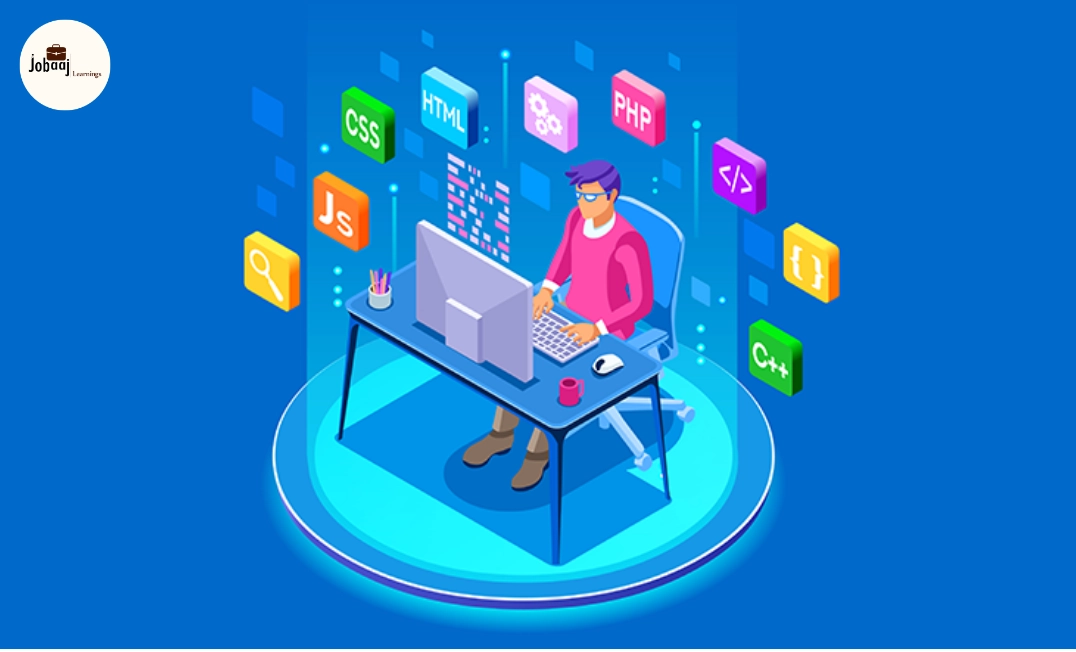
In today’s digital age, web development has become one of the most sought-after skills, whether you're looking to build a personal website, start a new business, or pursue a full-fledged career in tech. But before you dive into the world of web development, it's important to understand a few core concepts, tools, and best practices that will set you up for success. Starting from scratch can be overwhelming, but with the right foundation, you can build your web development skills step by step.
Exploring a career in Web Development? Apply now!
This blog will guide you through the essential things you need to know before starting web development, providing you with all the information to start building web applications and websites that are both functional and visually appealing.
1. Understand the Basics of HTML, CSS, and JavaScript
If you're looking to start web development, the first step is understanding the three core technologies that power most websites:
-
HTML (HyperText Markup Language): The backbone of any website. HTML is used to create the structure of a webpage, including headings, paragraphs, links, and images. Think of HTML as the skeleton of your website.
-
CSS (Cascading Style Sheets): CSS is what gives your website style. It controls the layout, colors, fonts, and spacing of the elements that HTML creates. CSS is responsible for making your website look good.
-
JavaScript: JavaScript adds interactivity to your website. With it, you can create dynamic elements such as interactive forms, animations, and pop-up messages.
2. Choose a Development Environment
Before you start coding, you’ll need an environment to write your code in. Some key tools to get started include:
-
Text Editors: Popular editors like Visual Studio Code, Sublime Text, or Atom are commonly used by developers because they offer syntax highlighting, auto-complete, and other helpful features.
-
Browser Developer Tools: All modern browsers (Chrome, Firefox, Safari) come with developer tools that let you inspect HTML, CSS, and JavaScript directly in the browser. These tools will be your best friend when debugging.
3. Master Responsive Web Design
Responsive web design is crucial because more people are browsing the internet on mobile devices than ever before. A responsive website automatically adjusts its layout depending on the screen size whether it’s a smartphone, tablet, or desktop.
You'll need to learn:
-
Media Queries: These are used in CSS to apply different styles based on the screen size or device type.
-
Flexbox and Grid: These CSS layout systems make it easier to create flexible and responsive designs.
4. Get Comfortable with Version Control (Git)
As a developer, you’ll want to keep track of changes to your codebase. Git is a version control system that lets you save and organize your work, track changes, and collaborate with others.
-
GitHub: GitHub is a cloud-based platform where you can store your code and collaborate with other developers. It’s a great place to showcase your projects, contribute to open-source, and track your progress.
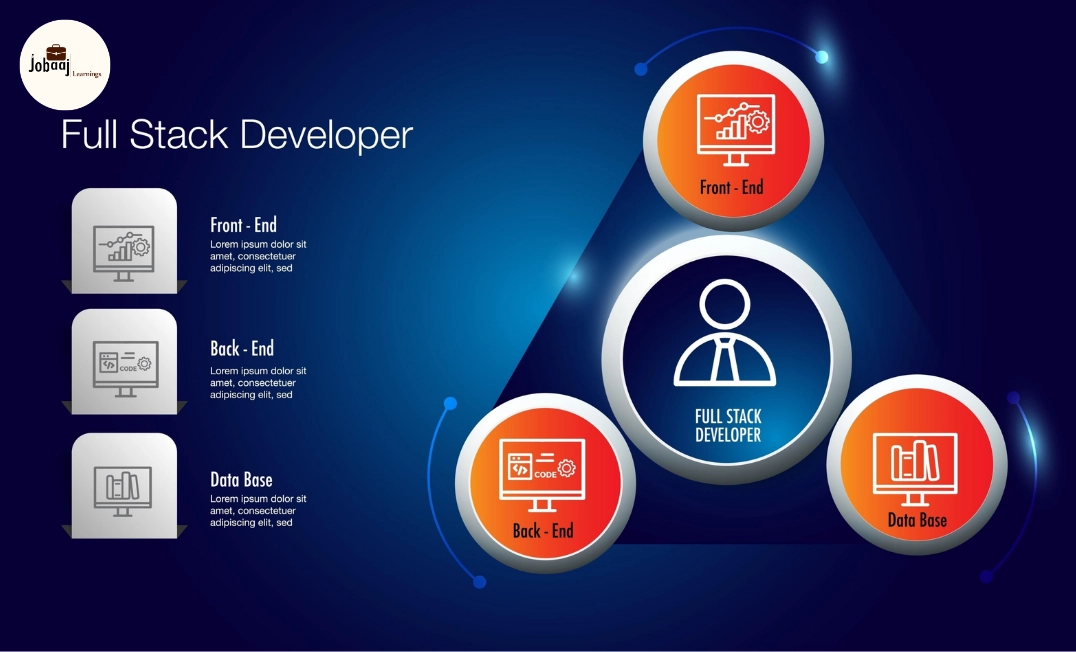
5. Know the Difference Between Front-End and Back-End Development
Web development can be split into two main areas:
-
Front-End Development: This is everything the user sees and interacts with. Front-end developers work with HTML, CSS, and JavaScript to create the look and feel of a website.
-
Back-End Development: This is the server-side of a website. Back-end developers manage databases, server configuration, and application logic. They work with programming languages like Python, Ruby, PHP, and Node.js.
If you want to become a full-stack developer, you’ll need to learn both front-end and back-end development.
6. Learn a Front-End Framework
Once you're comfortable with basic HTML, CSS, and JavaScript, learning a front-end framework can make your development process faster and more efficient. Some popular frameworks to consider:
-
React: A JavaScript library for building user interfaces, particularly for single-page applications (SPAs).
-
Angular: A front-end framework developed by Google for building dynamic web apps.
-
Vue.js: A lightweight JavaScript framework that’s great for beginners and also powerful enough for complex applications.
7. Dive Into Back-End Development
For dynamic websites that require user authentication, databases, and more, back-end development is necessary. To get started, learn:
-
Server-Side Languages: Languages like Node.js, Python, Ruby, or PHP are popular for back-end development. These languages help manage databases and handle server-side operations.
-
Databases: Learn how to interact with databases like MySQL, PostgreSQL, or MongoDB to store and retrieve user data.
8. Learn to Work with APIs
APIs (Application Programming Interfaces) allow different software systems to communicate with each other. In web development, you’ll often need to integrate APIs to fetch data from external sources or interact with third-party services.
For example, integrating a weather API on your website to show real-time weather updates.
9. Familiarize Yourself with Web Security Best Practices
Web security is a must-know for any developer. When building websites, especially those that handle sensitive user data, security should always be a priority. Some important security concepts to learn include:
-
SSL/TLS: Secure Socket Layer (SSL) and Transport Layer Security (TLS) are protocols that encrypt data sent between users and your website.
-
Authentication and Authorization: Understand how to authenticate users securely and manage their access levels (e.g., using OAuth, JWT, or other secure methods).
10. Keep Up With Industry Trends
Web development is a fast-moving field, and technologies evolve quickly. To stay competitive in 2026, it’s essential to keep learning and adapting. Some emerging trends you should pay attention to:
-
Progressive Web Apps (PWAs): Web apps that behave like native mobile apps.
-
WebAssembly: Allows you to run high-performance applications directly in the browser.
-
Serverless Architecture: A new approach where developers don’t have to manage servers, and can focus on building applications.
Conclusion
Becoming a web developer in 2026 requires a mix of foundational knowledge, practical skills, and continuous learning. By mastering front-end and back-end technologies, understanding design principles, and staying updated with new trends, you’ll be well on your way to building dynamic, interactive websites and web applications.
Whether you’re starting from scratch or refining your skills, remember that the web development field is full of opportunities. Stay curious, keep experimenting, and the possibilities for what you can create are endless. Happy coding!
Dreaming of a Web Development Career? Start with Web Development Certificate with Jobaaj Learnings.
Frequently asked questions
What is web development?
Web development is the process of building and maintaining websites. It involves coding, design, and managing web pages, ensuring they function well and provide an optimal user experience. Web development can be split into front-end (user interface) and back-end (server-side) development.
Do I need to know coding to start web development?
Yes, coding is essential for web development. The most common languages used are HTML, CSS, and JavaScript for front-end development, and languages like PHP, Python, and Node.js for back-end development. Learning these languages is crucial for building functional websites and applications.
What are the most important skills for a web developer in 2026?
In 2026, essential skills include proficiency in HTML, CSS, JavaScript, understanding responsive design principles, familiarity with web development frameworks like React, Angular, and Vue.js, and an understanding of back-end technologies like Node.js or Python. Knowledge of version control systems like Git is also vital.
How long does it take to learn web development?
The time it takes to learn web development depends on your commitment and the depth of knowledge you want to achieve. Generally, it can take 3-6 months to gain basic proficiency and a year or more to become highly skilled and job-ready. Consistent practice and project building will accelerate your learning.
Can I become a web developer without a computer science degree?
Yes, many successful web developers come from non-computer science backgrounds. The key is to build your skills through practice, online courses, coding boot camps, and projects. Demonstrating a strong portfolio of work is more important than having a degree in the field.
What is the difference between front-end and back-end development?
Front-end development involves creating the visual elements and layout of a website that users interact with. Back-end development deals with the server-side, ensuring databases, servers, and applications work seamlessly. Full-stack developers are skilled in both front-end and back-end development.
What tools do I need for web development?
As a web developer, you'll need text editors (e.g., VS Code, Sublime Text), a version control system (Git), web browsers for testing, and various development frameworks or libraries (e.g., React, Angular, Bootstrap). You may also need a local development server, such as XAMPP, or cloud-based environments for testing and deployment.

Join 5,00,000+ Subscribers
Be a part of our ever growing community.